Virtual Reality World Project

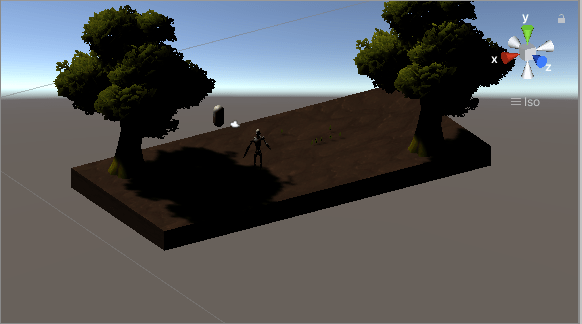
Okay so I know exactly what Unity is and I know a few fairly large titles that were created with Unity such as “Superhot,” a game that I really enjoy. I’m not much of a game designer or anything, but it was incredibly interesting to finally download unity hub after hearing things about it. I had also watched multiple videos in the past just because I was interested and I’ve seen people use unity to build some crazy looking games. I could not really figure out to work unity very well. It is actually a lot more difficult than I thought, but I did have a good time going through the asset store and finding some cool stuff. I imported a cool robot and some trees.
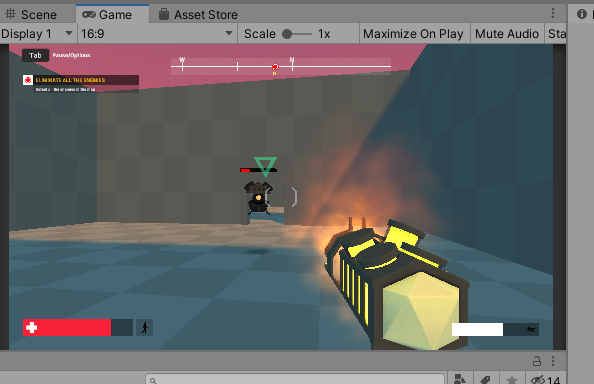
Even though I wasn’t really able to create a game of my own, I went on to download a FPS project that I found online with working enemies and health bars which was pretty fun. I was able to go through the project and see how the developer created the game which was really cool. Unity seems like a great piece of software for developing simple games that are still fun. The game I mentioned above, Superhot, is an incredibly fun game while also being very simple. I also really liked how you could play the game right on unity as you work on it which is so cool. I was able to make changes to the game I downloaded and create my own version of the game which was actually a great learning experience. Sometimes it can be pretty hard to get a new piece of software and start from scratch. Demo projects and downloading other people’s creations is usually how begin learning on a new piece of creative software. Anyways, I went to every class and I’m expecting a decent grade in this class so I’m not too worried that I wasn’t able to complete the intended results. I still enjoyed my experience in Unity and it will be one of the programs that I will not be uninstalling after the end of this class.
Fabricating for a Function part 2 (and also 3)

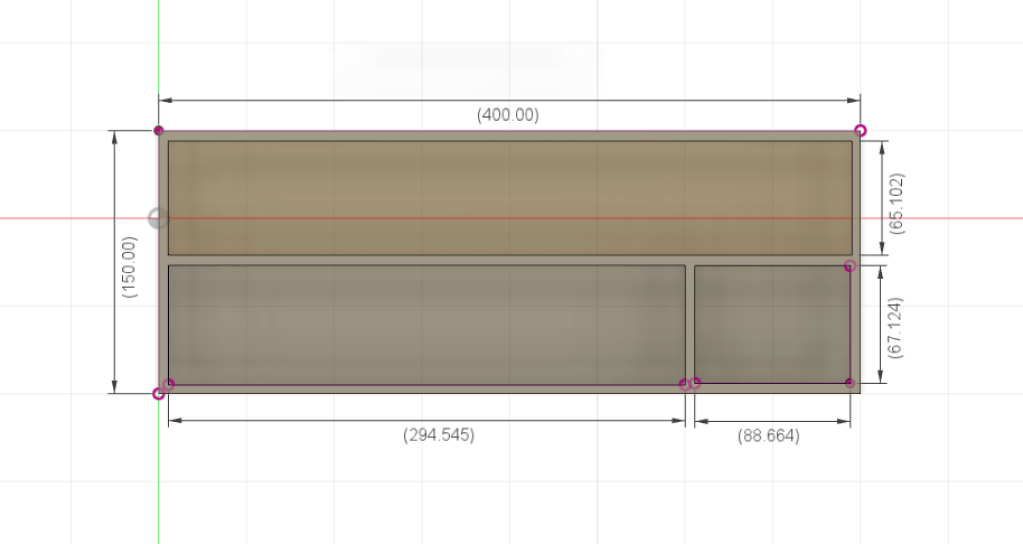
For this assignment, I chose to use Fusion 360 because I found it incredibly easier to use than FreeCAD. I created a simple pencil/ pen organizer for my drawer. I thought this would be something easy and useful to create for myself because my drawer tends to be pretty messy at times. I was able to create this model pretty easily because it is a simple model to create. Although the model was easy to create, I do actually believe that I have an understanding of Fusion 360 at this point.

The 3D printed organizer would go right in here to help me organize my pencils and miscellaneous items scattered in my drawer.

3D Modeling – Fusion 360

I found Fusion 360 to be a good piece of 3D modeling software. I enjoyed my time using Fusion 360, and I was able to understand the program. FreeCAD was the opposite. I hated using that software and was unable to do what I wanted with it. FreeCAD’s UI was so ugly and difficult to understand. The class should’ve done the Fusion 360 chapter before FreeCAD. We learned in this order: TinkerCAD, FreeCAD, then Fusion 360. TinkerCAD was made for babies, but a great way to learn about 3D modeling. FreeCAD sucked and ruined my grade. We shouldn’t even have had to learn FreeCAD; Fusion 360 was such a superior piece of software.

Model 1: Tutorial Shape

The tutorial shape was very straight forward and easy to complete. I was able to create the shape very easily the first day we went over it.

Model 2: Lampshade

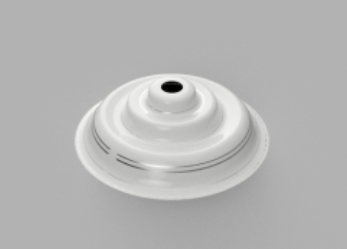
The lampshade was not as hard as I thought it would be. The technique of drawing a line on paint and importing it into Fusion 360 was interesting

Model 3: The Flask (Fusion 360)

The flask was pretty difficult to model, and I had a way easier time doing it in TinkerCAD.

Model 4: Bowler Hat (Fusion 360)

This was the most difficult one for me, and I did have an easier time doing this one in TinkerCAD. I do think it came out pretty good, but it could’ve been better.

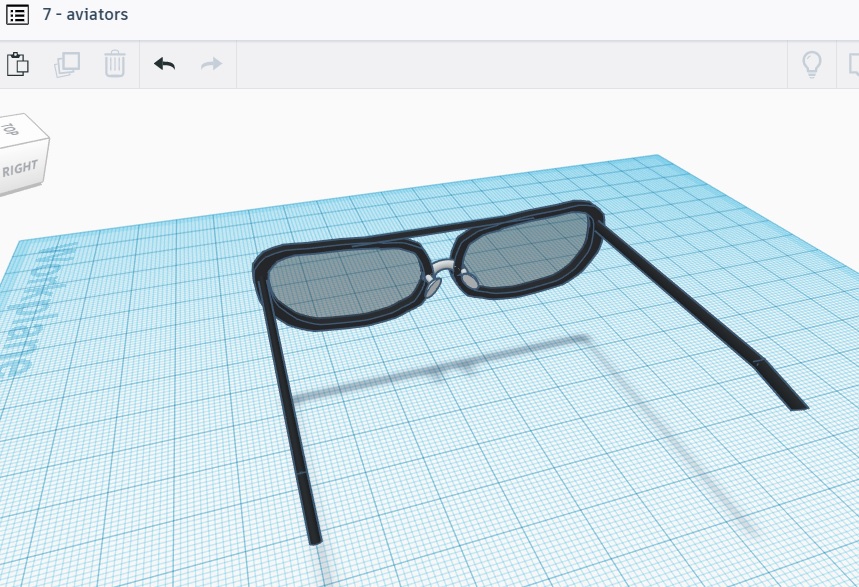
3D Modeling – Tinkercad (Journal Entry 6)

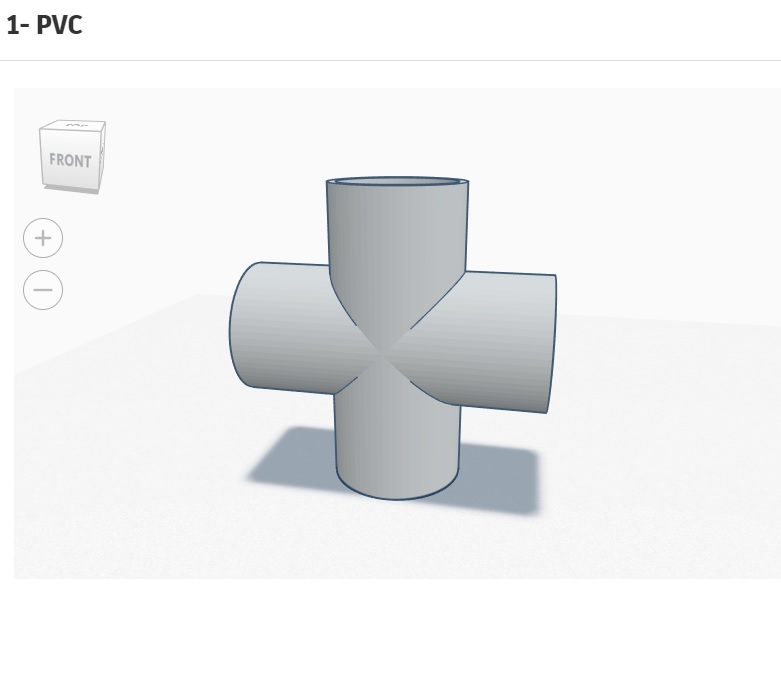
The first item was this PVC which was simple. I used four shapes.
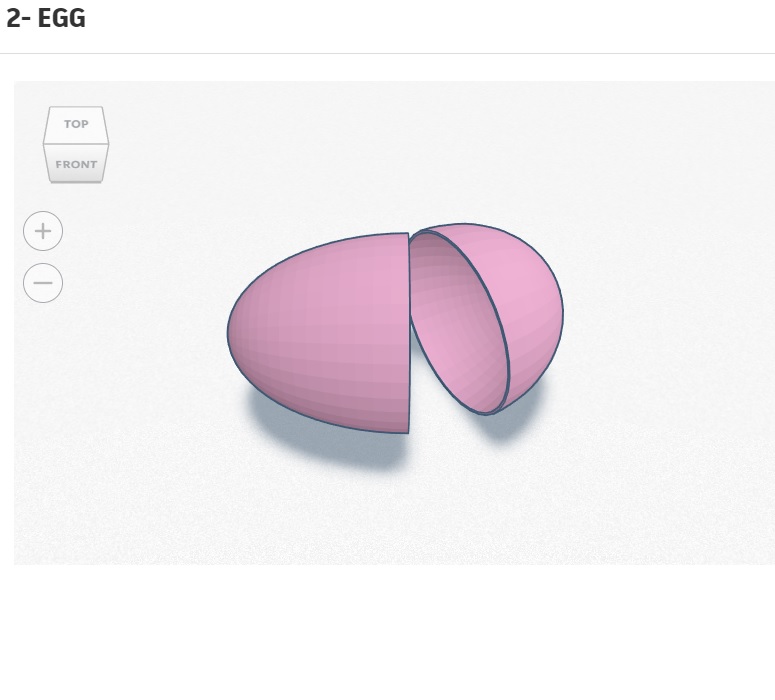
Item 2 was this open egg. I made sure it was round and used the correct shapes.
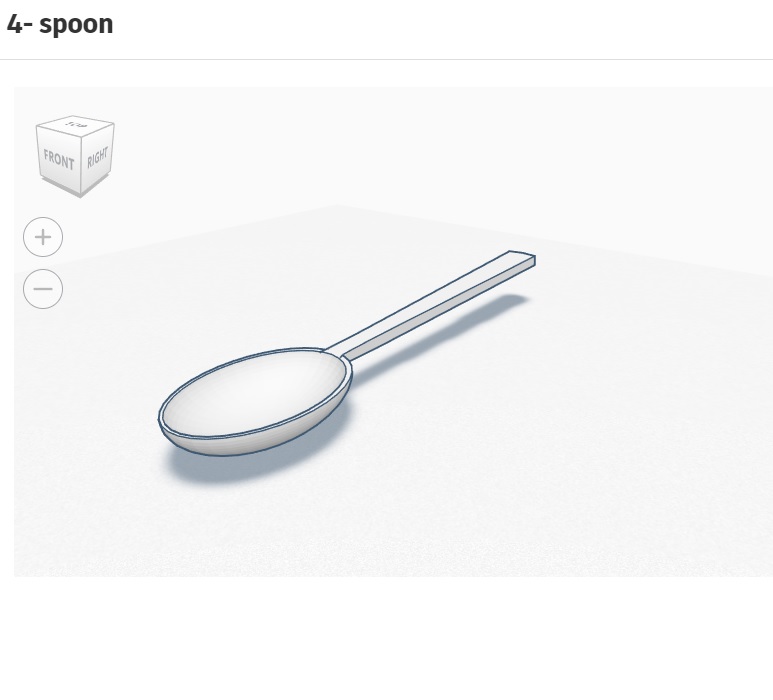
This is the fourth item, a spoon. This one was difficult, but I think it came out pretty good. If this model were to be printed, it would actually be able to be used.
The sixth item was a flask with colored fluid. I added 4 different flasks with different colors. The bottom of the flasks are flat because they flat bottom flasks.

Journal Entry 3 – Teamwork

The app development has been going very well and HiJump is looking to be a fun and functioning game. The group has all been contributing to the development of the app and I think we make a good team. Thomas has been doing a really great job at coding the game. The rest of us have been putting things together for how the game will look and feel. I put together a song for the app which I think came out pretty good. I thought it would be more professional if I had created a song for the app instead of finding one off the internet. We also created our own logo for the app. We have a lot of ideas for the game so we hope it turns out the way we want it to.

Journal Entry 2 – Working with App Inventor

For this exercise, I decided to create an app that shows a picture and if the picture is of a hot dog then you check the box. If you are correct then it returns tFor this exercise, I decided to create an app that shows a picture and if the picture is of a hot dog then you check the box. If you are correct, then it returns the text “correct.” I wanted to choose more pictures for the app to cycle through, but I only really knew how to use one picture and it worked fine. I was also going to add a sound that says the word correct when the text appears, but I didn’t think it was necessary. The app was perfect the way it was. My original idea was to press on the picture of the hot dog which would then return the location of nearest place that sells hot dogs using the map feature, but I could not get it to work. My hot dog game was much simpler and was functional. App inventor is not difficult to use at all and is clearly made for children, but I was still unable to do exactly what I wanted. I think that if I just spent more time on the platform, I would be able to learn how to create more interesting and in-depth applications, or as interesting as it can be using the limited features on the platform.

Journal Entry 1 – Introduction

Hello! My name is Nick and I’m very excited to start posting to my blog. I thought I should start tech blog by introducing myself in this post. I am a 3rd year college student from Miami, FL with an interest in technology and business, and more specifically, how they compliment each other. This is my reason for deciding to pursue a degree in Management Information Systems (MIS). My interest in technology sprouted when I was young. I can clearly recall moments like building my PC, jail-breaking various apple products, and teaching myself a few basics of programming that truly made me fall in love with tech and how we use it.

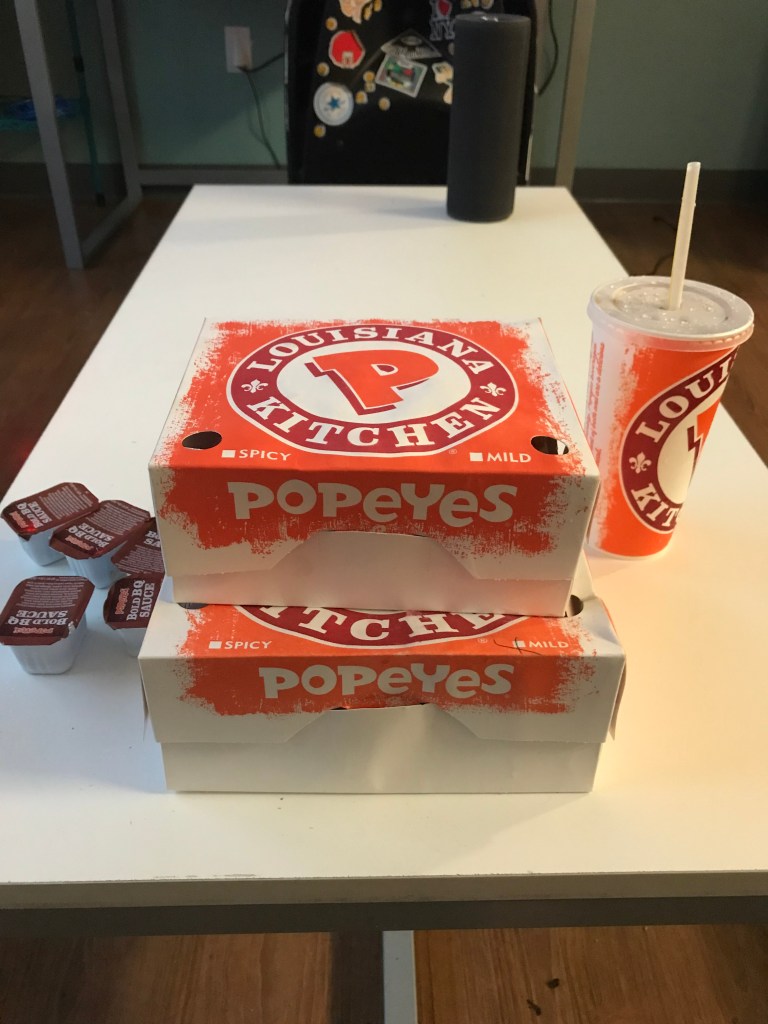
Other than my passion for tech, I also enjoy music production, and just music in general. You can find me at any concert or festival for any genre of music. I built my first PC and grabbed a torrent of some production software to dive deeper into my passion for music. I spend too many hours at my PC, but building it was the best investment I’ve ever made. I also enjoy reading, working out, partying, and Popeye’s tenders.

I expect to learn a lot in my emerging tech class without it being too difficult because I can’t drop anymore classes.